
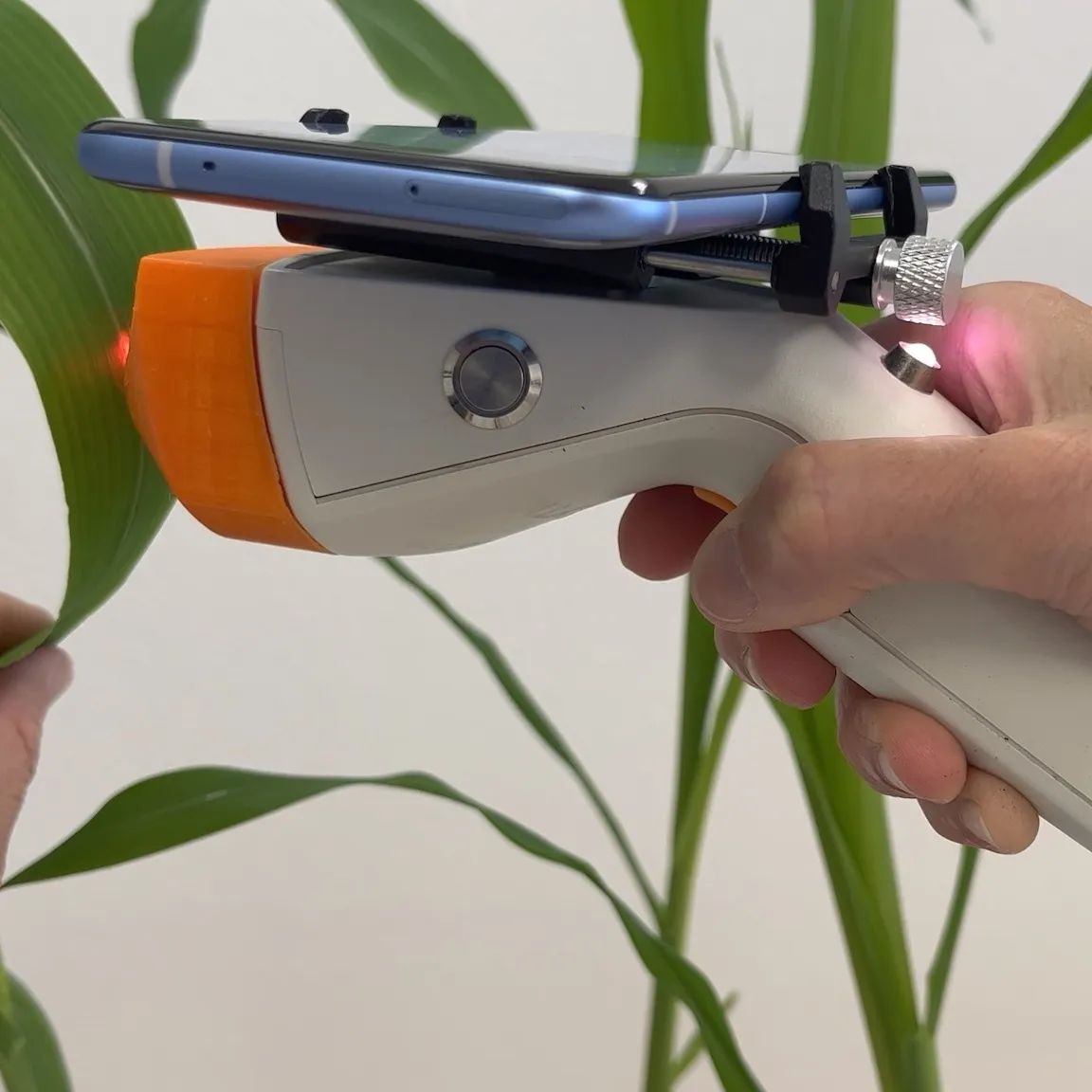
ScanCorder GP‑VNIR
General Purpose VNIR.
From 5,900 EUR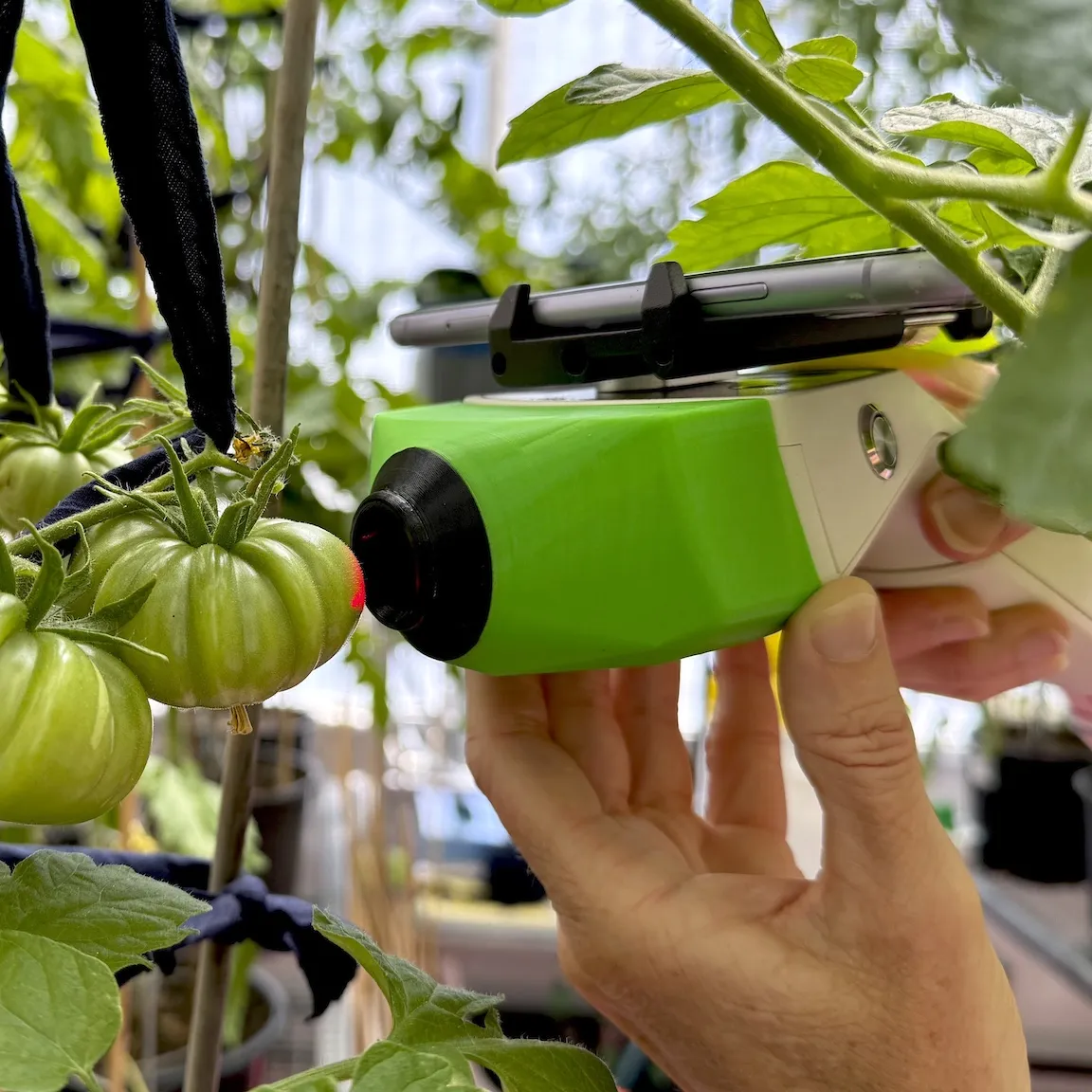
ScanCorder VI-VNIR
145+ Vegetation Indices.
From 8,900 EUR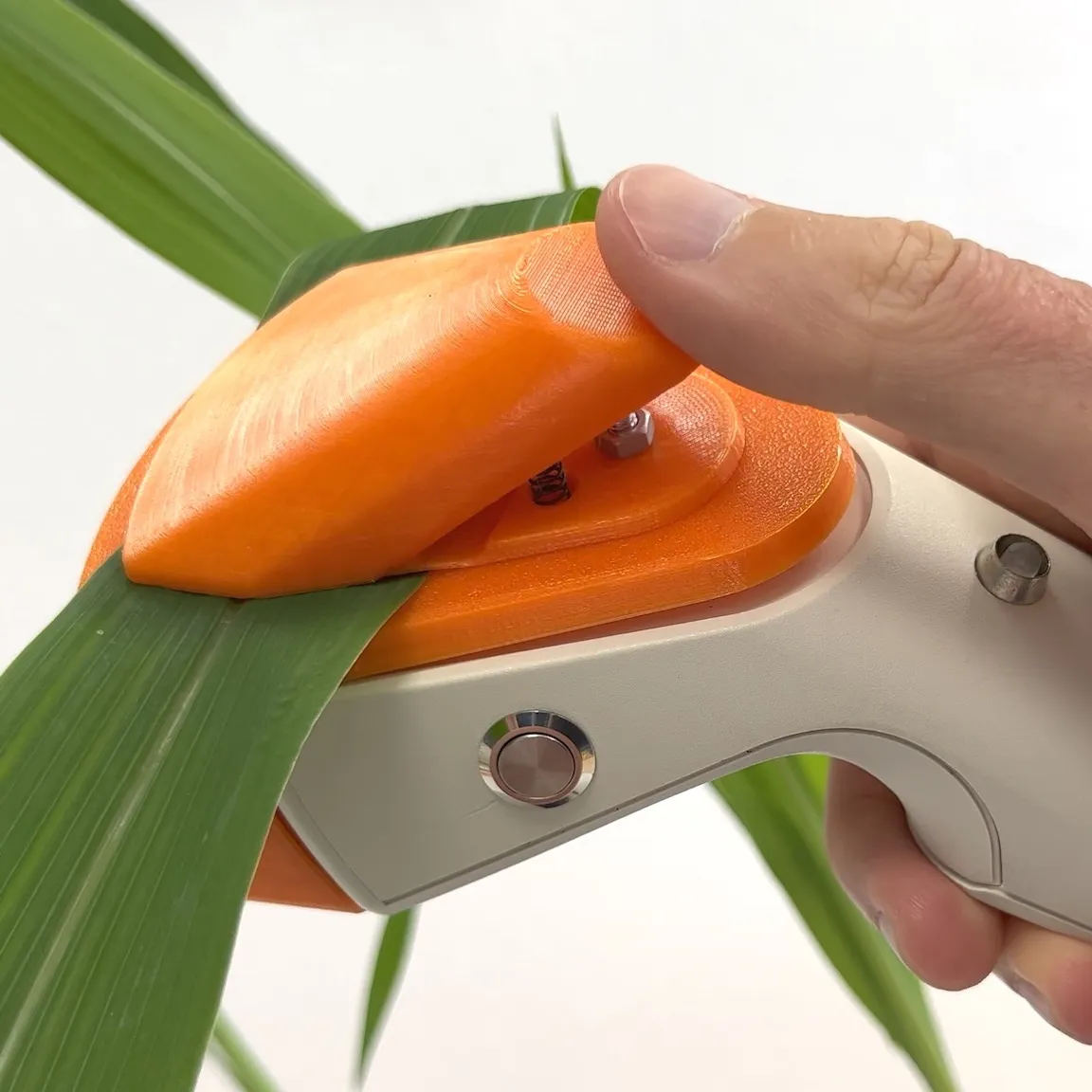
ScanCorder Leaf Clip
Optimised for Plant Leaves.
From 6,900 EUR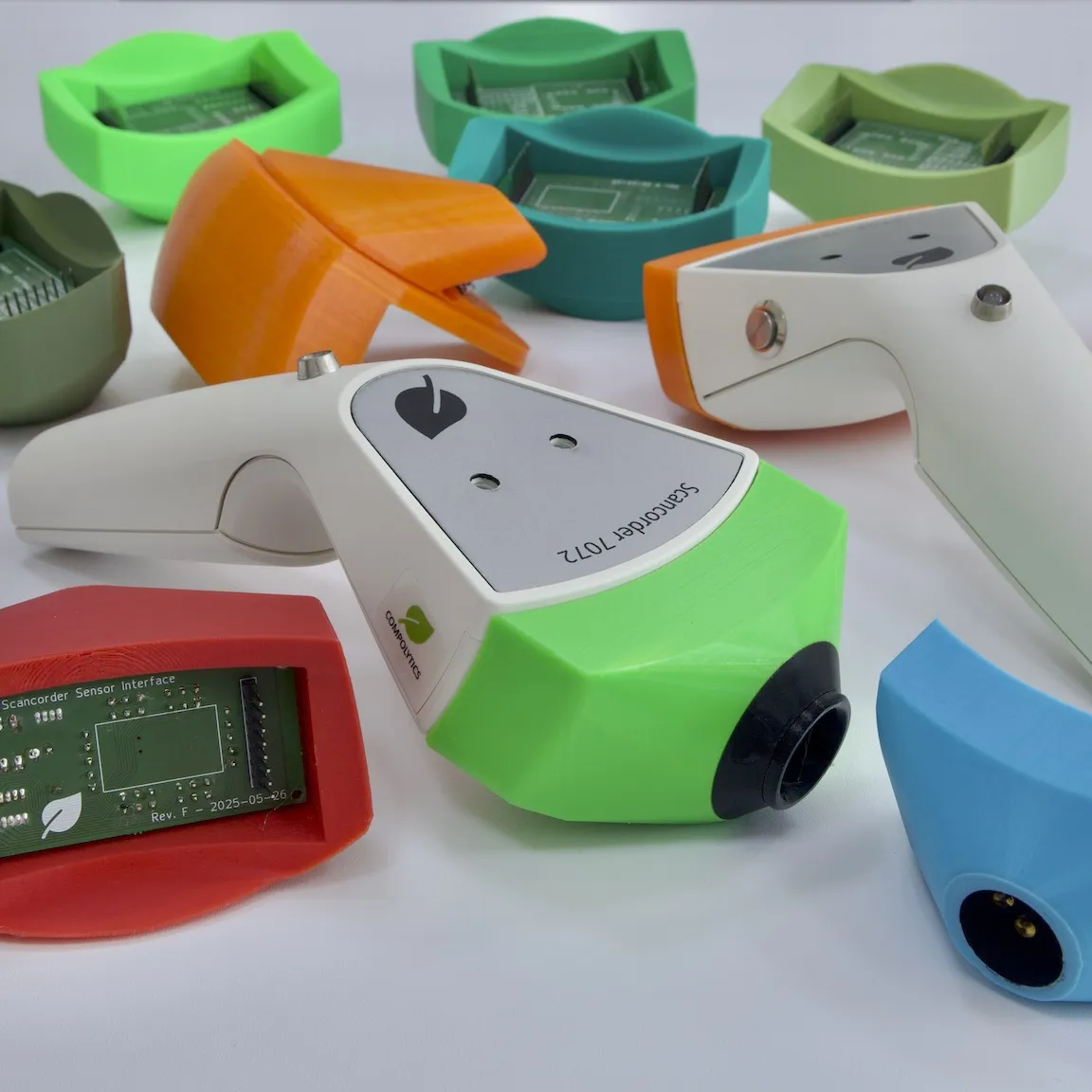
ScanCorder Full Range
Complete Portfolio
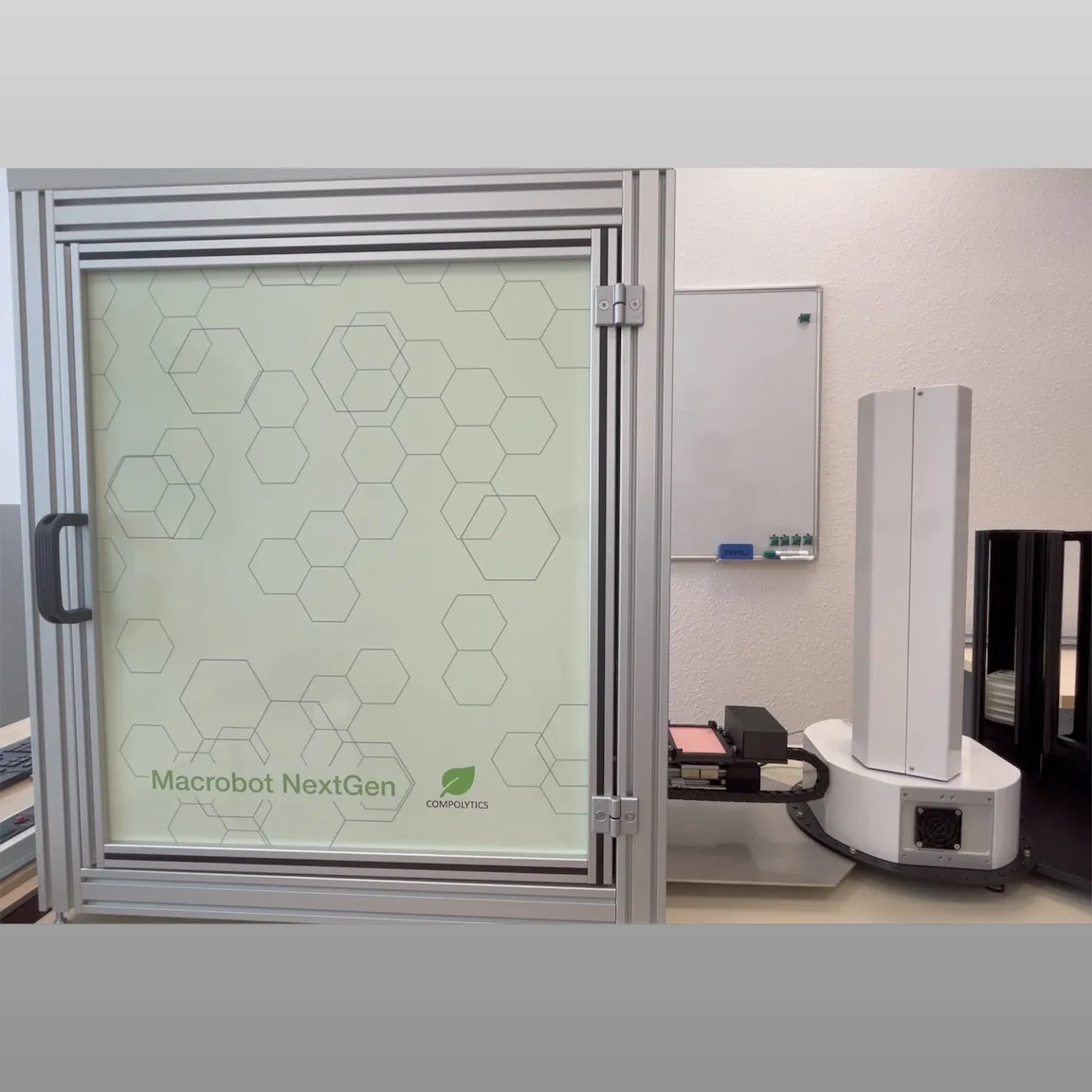

Breaking News: Hyperspectral sensing predicts cannabinoid yield before harvest
Recent research published in Industrial Crops and Products shows that hyperspectral measurements of Cannabis sativa fan leaves can accurately predict cannabinoid yield weeks before harvest.
Rooted in Compolytics’ science-first approach, the study demonstrates how our soft sensor concept - combining a proven hyperspectral device with machine-learning calibration models - translates raw spectral data into quantitative cannabinoid profiles.
The results highlight how data-driven optics can make plant analytics faster, non-destructive, and accessible far beyond traditional laboratory settings.
Growers & Authorities
Predict cannabinoid content - before harvest.
Compolytics provides the spectral-optical calibration models used in the study, available as part of an integrated soft sensor system.
The solution can be supplied as a complete package or combined with existing hyperspectral instruments such as the ASD FieldSpec.
Ideal for growers, breeders, and supervisory authorities seeking reliable, early insight into cannabinoid composition.
Media & Analysts
Science that’s making headlines.
The research has attracted international attention, including coverage by Forbes.
For press enquiries, background information, or expert commentary, please get in touch.
We welcome media and analyst enquiries from Australia, Germany, and abroad.
Investors & Partners
Expanding intelligent sensing together.
Compolytics is privately held yet open to dialogue with investors and partners interested in extending this technology - to additional cannabis compounds or related plant analytics.
We welcome conversations with investors and partners who share our interest in scaling this technology into new applications.
For full details and background, see our blog at scancor.de/r.
Software release: 4.0.5 or newer
Last updated: 22 May 2026
General remarks
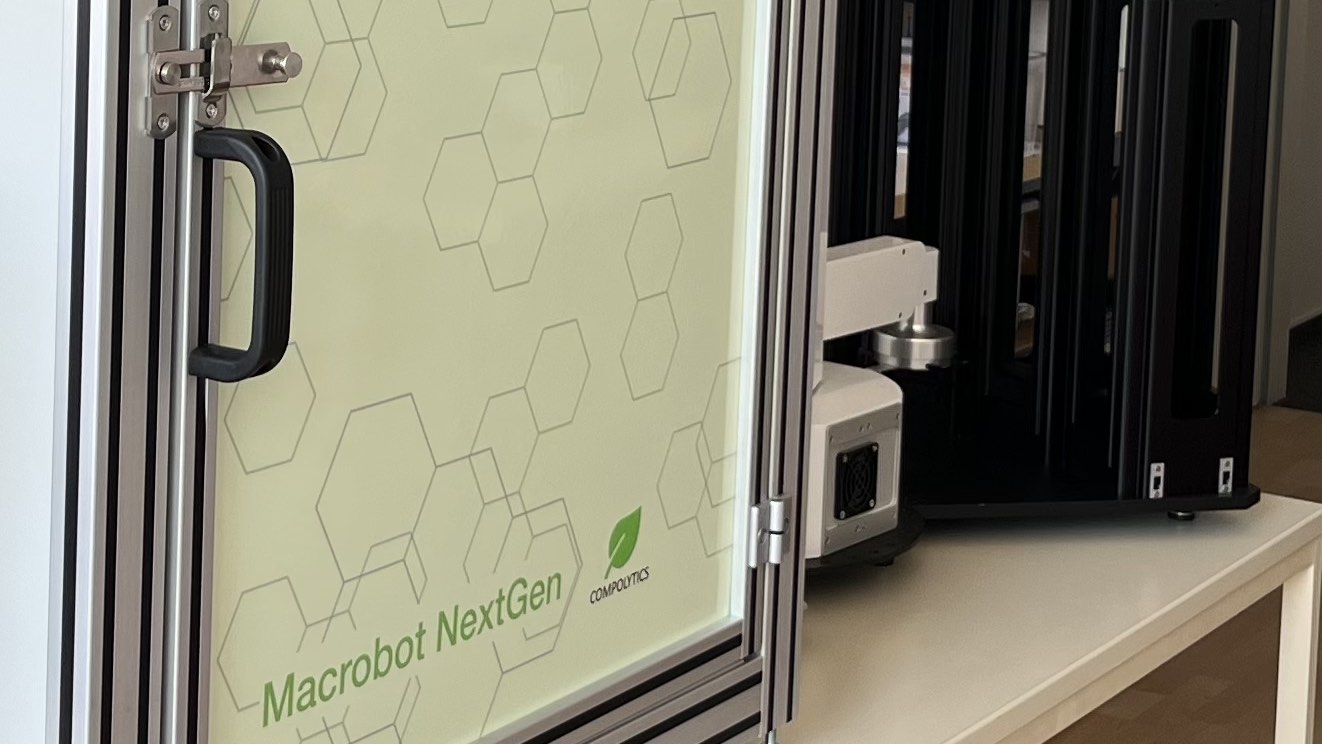
As with any advanced technical system, occasional issues or unexpected behaviour may occur during operation.
This Troubleshooting Guide serves as a continuously growing knowledge base for the COMPOLYTICS® Macrobot NextGen platform. Here we document known issues, practical solutions, and recommendations based on internal testing and user feedback.
Please check this page regularly, as new troubleshooting information and updates will be added over time.
The Macrobot system PC does not power on when the main power switch is turned on.
Most likely the BIOS is not configured to power the PC on automatically.
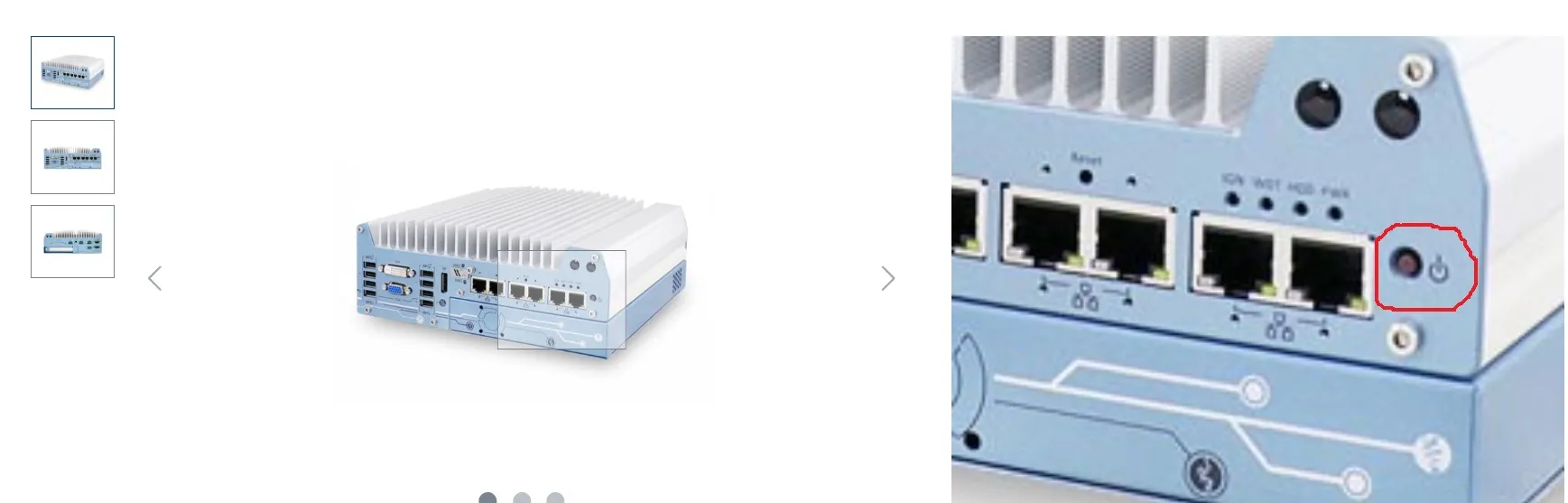
- Switch on PC manually.
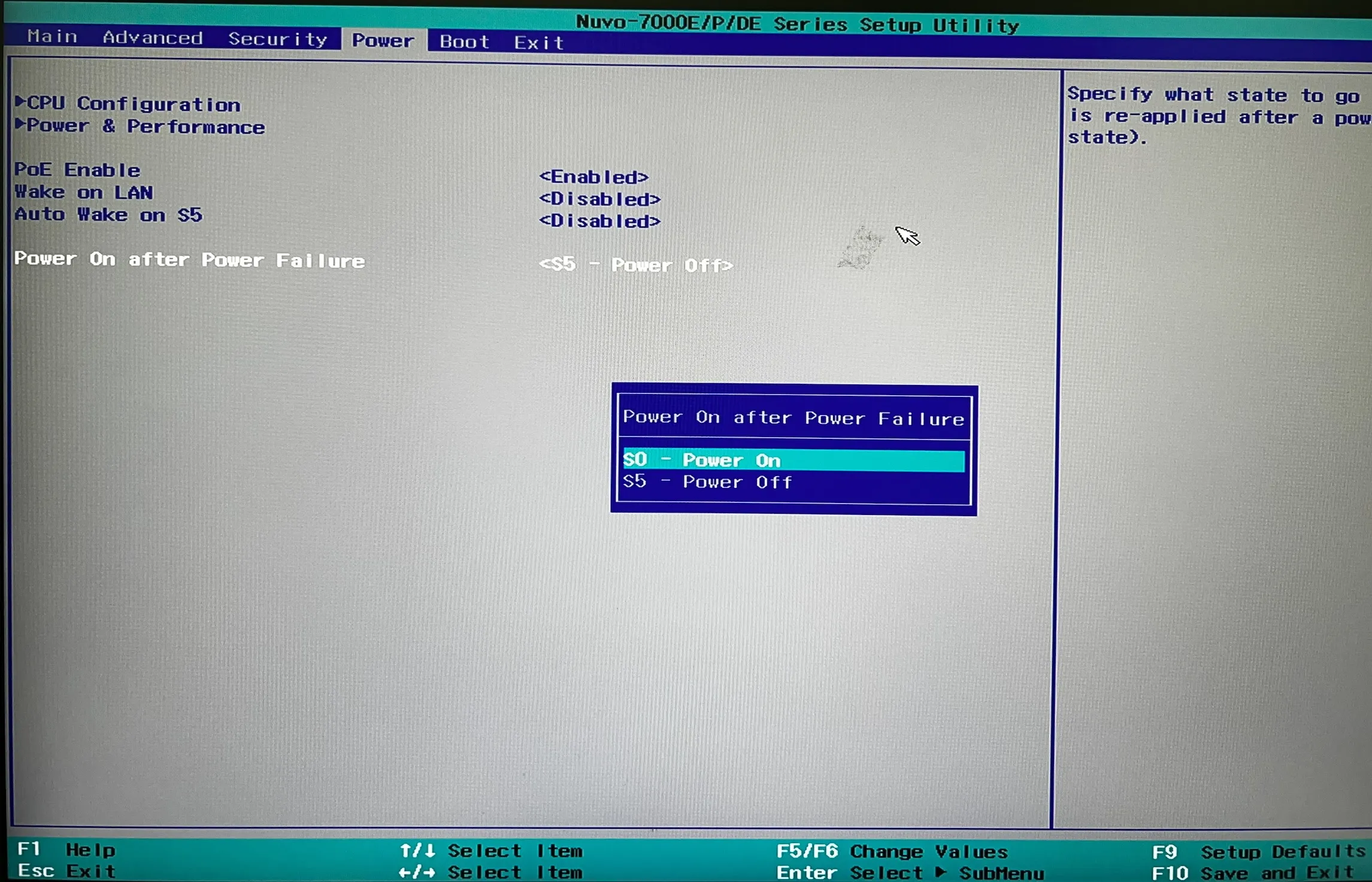
- Enter PC BIOS by pressing Del, ESC or key as indicated by the PCs boot screen while PC is booting (before Windows is loading indicated by spinning circle).
- Make sure that on the “power” tab the option “Power On After Power Failure” is set to “S0 – Power On”.
Macrobot may report an incorrect plate count when checking the stack fill state.
A mismatch in plate count indicates potential issues with plate stacking.
- Check that plates are evenly stacked in the plate hotel.
- Confirm that all plates are correctly seated and not tilted within the stack.
- Use only standard well plates approved for Macrobot operation (Footprint following ANSI standard: 127.8 mm (length) x 85.5 mm (width), 14.4 mm (height); e.g., CELLSTAR® Four Well plates from Greiner, Item No. 96077307).
PlateCrane gripper picks up only the lid instead of the plate.
- Ensure plates are properly stacked in the plate hotel.
- Verify that plates are not tilted and are correctly aligned.
- Tilting may occur during loading; gently run a finger along the stack to detect misalignment.
- Use only standard well plates approved for Macrobot operation (Footprint following ANSI standard: 127.8 mm (length) x 85.5 mm (width), 14.4 mm (height); e.g., CELLSTAR® Four Well plates from Greiner, Item No. 96077307).
- Check whether the plate weight has changed significantly. Maintain a consistent agar fill height of approximately 0.5 mm in all well plates.
When placed on the carrier for imaging, opening the lid also moves the plate base.
- Ensure there are no adhesive residues (e.g., from barcode labels) on the plate base.
- Verify that the lid can be detached from the base without friction.
- Replace worn or damaged plates as needed.
- Clean plates regularly, especially after frequent use.